
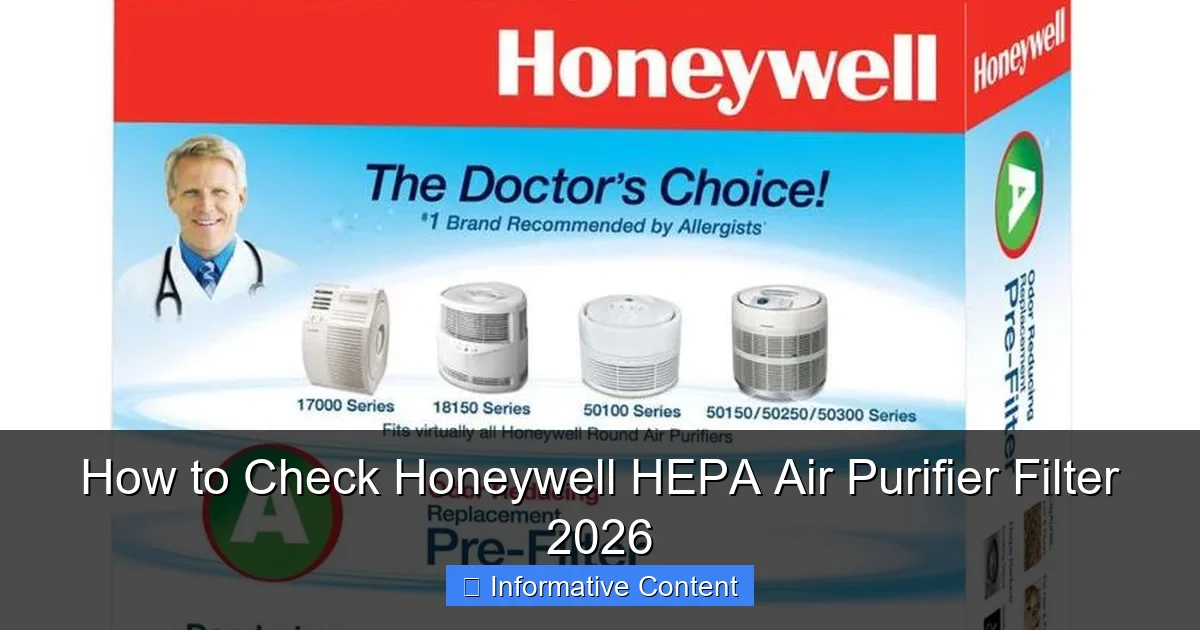
Featured image for how to check honeywell hepa air purifier filter
Image source: mobileimages.lowes.com
Regularly checking your Honeywell HEPA Air Purifier Filter 2026 is essential for maintaining optimal air quality and unit performance. Simply open the front or side panel of your purifier, locate the filter indicator light or inspect the filter visually for discoloration or debris buildup. Replace the filter when the indicator signals or every 3–6 months, depending on usage, to ensure efficient particle capture and prolonged device life.
Key Takeaways
- Power off the unit before inspecting or handling the filter for safety.
- Locate the filter compartment using your model’s manual or rear/side panel.
- Check for discoloration or debris on the HEPA filter—dark spots signal replacement.
- Inspect every 3–6 months to maintain optimal air purification performance.
- Reset the filter light after replacement to ensure accurate monitoring.
- Use genuine Honeywell filters for better fit, efficiency, and warranty compliance.
📑 Table of Contents
- How to Check Honeywell HEPA Air Purifier Filter 2026: A Complete Guide
- Why Regular Filter Checks Matter for Your Honeywell HEPA Air Purifier
- Step-by-Step Guide: How to Check Your Honeywell HEPA Air Purifier Filter
- Understanding Your Honeywell HEPA Air Purifier Model
- Tips for Maintaining Your Honeywell HEPA Filter Between Checks
- Common Mistakes to Avoid When Checking Your Filter
- When to Replace vs. Clean Your Honeywell HEPA Filter
- Conclusion: Stay Ahead of the Air You Breathe
How to Check Honeywell HEPA Air Purifier Filter 2026: A Complete Guide
Imagine this: You’ve just come home after a long day, kick off your shoes, and take a deep breath—only to notice the air still feels a little heavy, maybe even dusty. You glance over at your trusty Honeywell HEPA air purifier, humming quietly in the corner. It’s been running nonstop for months, faithfully filtering out allergens, pet dander, and city smog. But here’s the thing—no matter how reliable your air purifier is, it can’t do its job properly if the filter isn’t in good shape.
That’s why knowing how to check your Honeywell HEPA air purifier filter isn’t just a nice-to-know—it’s essential. Over time, filters get clogged with particles, reducing airflow and efficiency. If you don’t check them regularly, you might be breathing in more pollutants than you realize, even with the purifier on. And let’s be honest, replacing a filter too early is a waste of money, but waiting too long defeats the whole purpose of having an air purifier in the first place. The good news? Checking your Honeywell HEPA filter is simple, quick, and can make a world of difference in your indoor air quality.
Why Regular Filter Checks Matter for Your Honeywell HEPA Air Purifier
Let’s start with the basics: your Honeywell HEPA air purifier works by pulling air through a series of filters—most importantly, the HEPA filter—that trap microscopic particles like pollen, mold spores, dust mites, and even some bacteria. But just like a vacuum bag or a coffee filter, these filters have a limit. Once they’re full, they can’t capture any more contaminants. In fact, a dirty filter can actually release trapped particles back into the air, making your indoor environment worse than before.
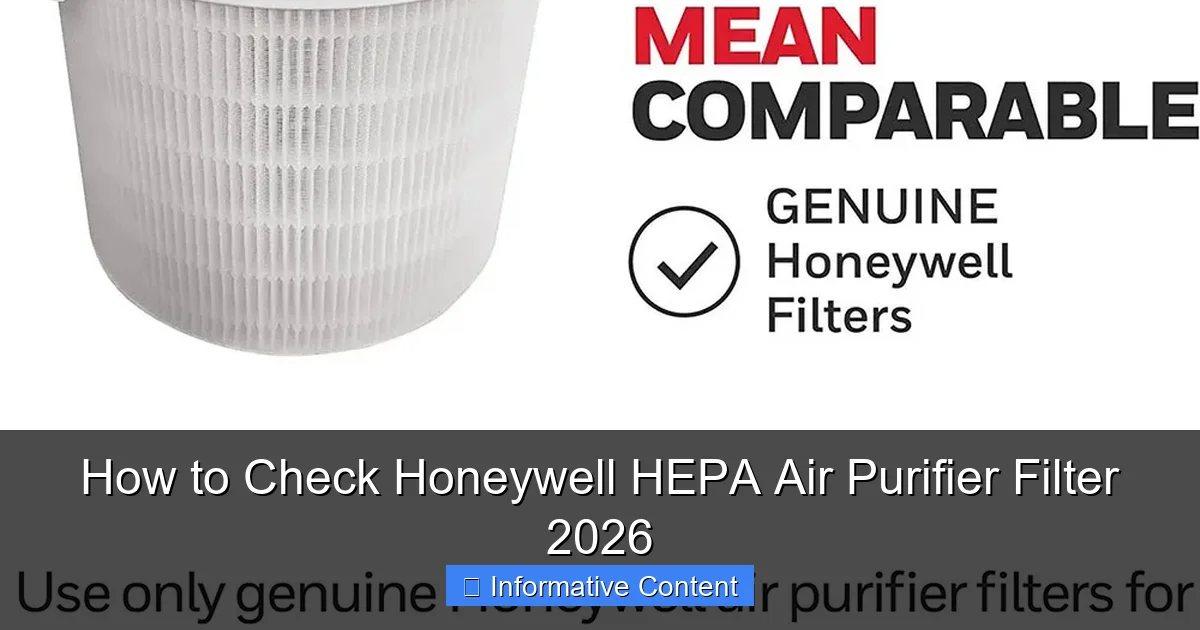
Visual guide about how to check honeywell hepa air purifier filter
Image source: honeywellstore.com
The Science Behind HEPA Filtration
HEPA stands for High-Efficiency Particulate Air. True HEPA filters, like those used in Honeywell models, are certified to capture at least 99.97% of particles as small as 0.3 microns. That’s smaller than most bacteria and viruses. But this efficiency only lasts as long as the filter isn’t overloaded. When the filter becomes clogged, airflow decreases, forcing the motor to work harder. This not only increases energy use but can also shorten the lifespan of your unit.
Signs Your Filter Needs Attention
You don’t need a lab test to know when something’s off. Here are a few telltale signs that it’s time to check your Honeywell HEPA air purifier filter:
- Reduced airflow: If you notice the air coming out of the purifier feels weaker than usual, the filter might be blocked.
- Increased noise: A clogged filter forces the fan to work harder, often resulting in louder operation.
- Persistent odors: Even with the purifier running, cooking smells, pet odors, or musty scents linger.
- Visible dirt or discoloration: If you can see dark spots or a layer of grime on the filter, it’s definitely time for a check.
- Allergy or asthma flare-ups: If you or your family members start sneezing, coughing, or experiencing congestion more often, the filter may no longer be effective.
How Often Should You Check?
Honeywell generally recommends checking your HEPA filter every 3 months. However, this can vary based on usage and environment. For example, if you have pets, live in a high-pollen area, or smoke indoors (which we don’t recommend!), you may need to check it every 4–6 weeks. On the flip side, if you only run the purifier occasionally in a clean, low-traffic room, you might get away with checking it every 4–6 months.
Step-by-Step Guide: How to Check Your Honeywell HEPA Air Purifier Filter
Now that you know why it’s important, let’s get into the nitty-gritty: how to actually check your Honeywell HEPA air purifier filter. The process is straightforward, but it pays to be methodical. Follow these steps to ensure you’re doing it safely and effectively.
Step 1: Turn Off and Unplug the Unit
Safety first! Always turn off your air purifier and unplug it from the wall before opening it up. This prevents accidental starts and protects you from electrical hazards. Even if the unit has a child lock or safety switch, it’s best to disconnect it completely.
Step 2: Locate the Filter Compartment
Most Honeywell HEPA air purifiers have a front or side panel that opens to reveal the filter. Look for a latch, button, or sliding mechanism. Some models, like the Honeywell HPA300 or HPA100 series, have a front grille that swings open. Others, like the Honeywell HFD-120-Q, require you to remove a side panel. Check your user manual if you’re unsure—Honeywell usually includes clear diagrams.
Step 3: Remove the Filter Carefully
Once the compartment is open, gently pull out the HEPA filter. Be careful not to shake it too much—this can release trapped particles into the air. Hold it by the edges to avoid touching the filter material directly, especially if you have allergies.
Step 4: Inspect the Filter Visually
This is the most important part of the check. Hold the filter up to a light source—like a lamp or window—and look for:
- Dark spots or discoloration: A clean HEPA filter is usually white or light gray. If it’s dark gray or black, it’s likely saturated with dirt and pollutants.
- Clumping or matting: If the fibers look matted down or clumped together, airflow is restricted.
- Holes or tears: Even small damage can let unfiltered air bypass the system.
If the filter looks dirty but not excessively so, you might be able to clean the pre-filter (if your model has one) and reuse the HEPA filter for a little longer. But if it’s visibly soiled or damaged, it’s time for a replacement.
Step 5: Check the Pre-Filter (If Applicable)
Many Honeywell models include a washable pre-filter that captures larger particles like hair and dust. This filter sits in front of the HEPA filter and should be cleaned every 1–2 months. To check it, remove it from the unit and inspect for buildup. If it’s dirty, rinse it under cool water, let it dry completely, and reinstall it. Never put a wet filter back into the purifier—this can cause mold growth or damage the motor.
Step 6: Reassemble and Test
Once you’ve inspected and cleaned (or replaced) the filters, carefully slide them back into place. Make sure they’re seated properly and the compartment is securely closed. Plug the unit back in, turn it on, and listen for smooth operation. You should notice improved airflow and quieter performance if the filter was the issue.
Understanding Your Honeywell HEPA Air Purifier Model
Not all Honeywell HEPA air purifiers are created equal. While the general process for checking the filter is similar across models, there are differences in design, filter types, and maintenance needs. Knowing your specific model can help you check the filter more effectively and avoid common mistakes.
Popular Honeywell HEPA Air Purifier Models
Here’s a quick breakdown of some of the most common Honeywell HEPA air purifiers and their filter-checking features:
| Model | Filter Type | Filter Access | Filter Replacement Indicator |
|---|---|---|---|
| Honeywell HPA300 | True HEPA + Carbon Pre-Filter | Front grille swings open | Yes (LED indicator) |
| Honeywell HPA100 | True HEPA + Carbon Pre-Filter | Front grille swings open | Yes (LED indicator) |
| Honeywell HFD-120-Q | HEPA-Type (not True HEPA) | Side panel removal | No (manual check required) |
| Honeywell HPA060 | True HEPA + Carbon Pre-Filter | Front grille swings open | Yes (LED indicator) |
| Honeywell HPA200 | True HEPA + Carbon Pre-Filter | Front grille swings open | Yes (LED indicator) |
As you can see, most modern Honeywell models with True HEPA filters have a front-access design and a filter replacement indicator. These indicators are helpful, but they’re not always 100% accurate—they’re usually based on runtime, not actual filter condition. That’s why a manual check is still important.
True HEPA vs. HEPA-Type: What’s the Difference?
This is a common point of confusion. True HEPA filters meet strict Department of Energy standards and capture 99.97% of particles 0.3 microns in size. HEPA-Type filters, on the other hand, are less efficient—often capturing only 85–95% of particles. If your Honeywell model uses a HEPA-Type filter (like the HFD-120-Q), it may need more frequent checks and replacements, especially in high-pollution environments.
Smart Features and Filter Monitoring
Some newer Honeywell models come with smart features, like Wi-Fi connectivity and app integration. These allow you to monitor filter life, adjust settings remotely, and receive replacement reminders. While convenient, don’t rely solely on these alerts. Always do a physical check periodically to confirm the filter’s condition.
Tips for Maintaining Your Honeywell HEPA Filter Between Checks
Checking your filter is one thing, but keeping it in good shape between inspections can extend its life and improve performance. Here are some practical tips to help you get the most out of your Honeywell HEPA air purifier.
Run the Purifier Regularly
Consistent use helps prevent the buildup of stagnant air and allows the filter to work efficiently. Even if you’re not noticing poor air quality, running the purifier for a few hours a day can make a big difference. Many Honeywell models have auto modes that adjust fan speed based on air quality, which can help maintain optimal performance.
Keep the Area Around the Purifier Clean
Dust and debris near the air intake can clog the pre-filter faster. Vacuum or wipe down the area around your purifier weekly. Also, avoid placing it near sources of smoke, cooking fumes, or pet bedding, as these can accelerate filter soiling.
Use the Right Fan Speed
Higher fan speeds pull in more air, which is great for quick purification but can wear out the filter faster. Use lower speeds for maintenance and higher speeds only when needed (e.g., after cooking or cleaning). Some models have a “turbo” mode for heavy pollution—use it sparingly.
Replace Filters on Schedule
Even if your filter looks okay, Honeywell recommends replacing True HEPA filters every 12–18 months, depending on usage. Carbon pre-filters (if present) should be replaced every 3 months. Mark your calendar or set a phone reminder to stay on top of replacements.
Avoid DIY Filter Modifications
Some people try to clean HEPA filters with water or compressed air, but this can damage the delicate fibers and reduce efficiency. HEPA filters are not designed to be washed—only the pre-filter is washable. If your filter is dirty, replace it. It’s better to spend a little more on a new filter than risk compromising your air quality.
Common Mistakes to Avoid When Checking Your Filter
Even with the best intentions, it’s easy to make mistakes when checking your Honeywell HEPA air purifier filter. Here are some common pitfalls and how to avoid them.
Ignoring the Pre-Filter
The pre-filter catches large particles before they reach the HEPA filter. If you skip cleaning it, the HEPA filter will clog faster. Make it a habit to check and clean the pre-filter every time you inspect the HEPA filter.
Forcing the Filter Back In
HEPA filters are designed to fit snugly. If you’re having trouble reinserting it, don’t force it. Double-check the orientation and make sure the compartment is clean. Forcing it can damage the filter or the unit.
Using Non-Honeywell Filters
Third-party or generic filters may seem like a cost-saving option, but they often don’t meet the same standards as genuine Honeywell filters. They may not fit properly, have lower efficiency, or even void your warranty. Always use certified replacement filters.
Overlooking the Filter Replacement Indicator
While manual checks are essential, don’t ignore the built-in filter indicator. It’s there for a reason. If the light comes on, it’s a strong signal that the filter needs attention—even if it doesn’t look dirty yet.
Storing Used Filters Improperly
If you’re replacing a filter, don’t just toss it in the trash immediately. Seal it in a plastic bag to prevent trapped particles from escaping into your home. This is especially important if someone in your household has allergies or asthma.
When to Replace vs. Clean Your Honeywell HEPA Filter
One of the most common questions people have is: “Can I clean my HEPA filter, or do I have to replace it?” The short answer is: HEPA filters are not washable and should be replaced when dirty. However, the pre-filter (if your model has one) can be cleaned.
Cleaning the Pre-Filter
The pre-filter is usually made of foam or mesh and is designed to capture large particles. To clean it:
- Remove it from the unit.
- Rinse it under cool, running water.
- Gently squeeze out excess water (do not wring).
- Let it air dry completely (24–48 hours).
- Reinstall once dry.
Never use soap, detergent, or hot water, as this can damage the material.
Replacing the HEPA Filter
When the HEPA filter is dirty, damaged, or past its recommended lifespan, it’s time for a replacement. Look for genuine Honeywell replacement filters (e.g., Honeywell HRF-R1 for HPA300, HRF-R2 for HPA100). These are widely available online and in stores like Home Depot, Walmart, and Amazon.
When installing a new filter, make sure it’s the correct model and that it’s seated properly. A loose or incorrect filter can allow unfiltered air to bypass the system.
How to Extend Filter Life
While you can’t clean a HEPA filter, you can extend its life by:
- Running the purifier on lower speeds when possible.
- Keeping windows closed during high-pollen days.
- Using a vacuum with a HEPA filter to reduce airborne dust.
- Avoiding smoking or burning candles indoors.
These small habits can reduce the load on your filter and keep your air purifier running efficiently for longer.
Conclusion: Stay Ahead of the Air You Breathe
Checking your Honeywell HEPA air purifier filter might seem like a small task, but it has a big impact on your health, comfort, and the longevity of your device. By following the steps outlined in this guide—turning off the unit, inspecting the filter, cleaning the pre-filter, and replacing when necessary—you can ensure your purifier is always working at its best.
Remember, clean air isn’t just about comfort—it’s about breathing easier, sleeping better, and protecting yourself from invisible pollutants. Whether you’re dealing with seasonal allergies, pet dander, or urban smog, a well-maintained Honeywell HEPA air purifier is one of the simplest and most effective tools you can have. So don’t wait for the warning signs. Make filter checks a regular part of your home maintenance routine. Your lungs—and your peace of mind—will thank you.
Frequently Asked Questions
How do I check if my Honeywell HEPA air purifier filter needs replacing?
You can check the filter by turning off and unplugging the unit, then removing the front grille to access the filter. Look for visible dirt, discoloration, or clogging—if the filter appears gray or dirty, it’s likely time for a replacement.
How often should I check the Honeywell HEPA air purifier filter?
It’s recommended to check the filter every 3 months, especially if you use the purifier frequently or live in a dusty environment. Regular checks help maintain optimal air quality and unit performance.
Can I clean the Honeywell HEPA filter instead of replacing it?
No, the genuine Honeywell HEPA filter is not washable and should not be cleaned with water. Light vacuuming of the surface may help extend its life slightly, but replacement is necessary when it appears dirty or every 12 months.
How do I know when the filter indicator light means it’s time to check the filter?
The filter indicator light on your Honeywell air purifier will turn yellow or red when the filter needs attention. This signal means you should inspect the filter and replace it if it’s dirty or has been in use for over a year.
Where is the filter located in a Honeywell HEPA air purifier?
The filter is typically located behind the front grille of the unit. Simply press the release tabs or unscrew the panel (depending on the model) to access and check the Honeywell HEPA air purifier filter.
What should I look for when inspecting the Honeywell HEPA filter?
When inspecting the filter, look for accumulated dust, dark spots, or a general grayish appearance. If the filter media is visibly soiled or damaged, it’s time to replace it to ensure effective air purification.