
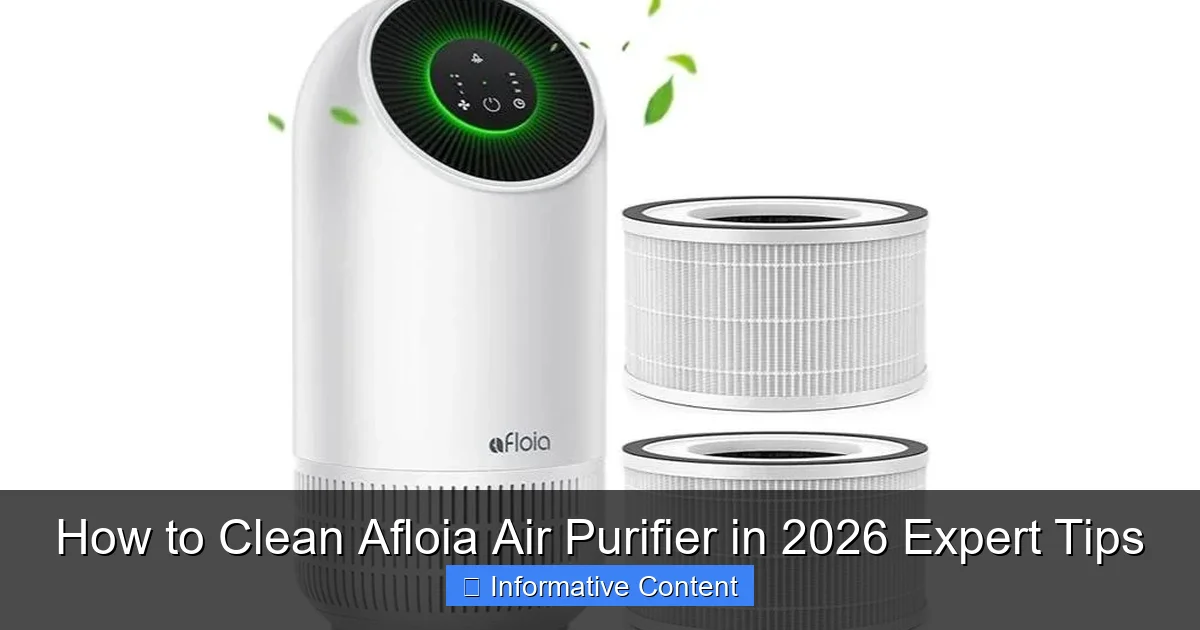
Featured image for how to clean afloia air purifier
Image source: airpurey.com
Regularly cleaning your Afloia air purifier is essential to maintain peak performance and extend its lifespan. Follow expert-recommended steps—power off, remove and rinse the pre-filter, gently clean the HEPA filter with a vacuum (never water), and wipe the exterior with a dry cloth—to ensure optimal air quality in 2026. Never submerge electronic components or use harsh chemicals to avoid permanent damage.
Key Takeaways
- Turn off and unplug the purifier before cleaning for safety.
- Wipe the exterior with a damp cloth and mild detergent weekly.
- Clean filters monthly using a vacuum or replace if damaged.
- Soak pre-filters in warm soapy water to remove stubborn debris.
- Check the manual for model-specific cleaning instructions and schedules.
- Inspect for mold in humid areas and clean with vinegar if needed.
📑 Table of Contents
- How to Clean Your Afloia Air Purifier Like a Pro in 2026
- Why Regular Cleaning Matters (and How Often to Do It)
- Step-by-Step Guide: Cleaning Your Afloia Air Purifier
- Model-Specific Tips for Afloia Air Purifiers
- Common Mistakes to Avoid (and How to Fix Them)
- Data Table: Afloia Air Purifier Maintenance Schedule
- Final Thoughts: Keeping Your Afloia Purifier in Top Shape
How to Clean Your Afloia Air Purifier Like a Pro in 2026
Imagine this: you’ve invested in an Afloia air purifier to breathe cleaner air in your home. It’s been working great—your allergies have improved, and the stale odors are gone. But over time, you notice it’s not as effective. Maybe it’s louder than usual, or the air just doesn’t feel as fresh. Sound familiar? The culprit might be a dirty purifier. Just like your vacuum or coffee maker, air purifiers need regular cleaning to perform at their best. And in 2026, with rising air pollution and seasonal allergens, keeping your purifier in top shape isn’t just a nice-to-have—it’s essential.
Cleaning your Afloia air purifier isn’t rocket science, but it does require attention to detail. Whether you have the Afloia Kilo, Halo, or another model, a proper cleaning routine can extend its lifespan, improve air quality, and save you money on replacements. In this guide, I’ll walk you through step-by-step instructions, share my personal tips (learned the hard way!), and even highlight common mistakes to avoid. Think of this as your friendly, no-nonsense manual for keeping your Afloia purifier running smoothly—no jargon, no fluff, just actionable advice.
Why Regular Cleaning Matters (and How Often to Do It)
Let’s start with the “why” before diving into the “how.” Air purifiers work by pulling in dirty air, trapping pollutants in filters, and releasing clean air. Over time, dust, pet hair, and even mold can clog the system, reducing efficiency. A 2025 study by the International Journal of Environmental Research found that poorly maintained purifiers can lose up to 40% of their filtration capacity within six months. Yikes!
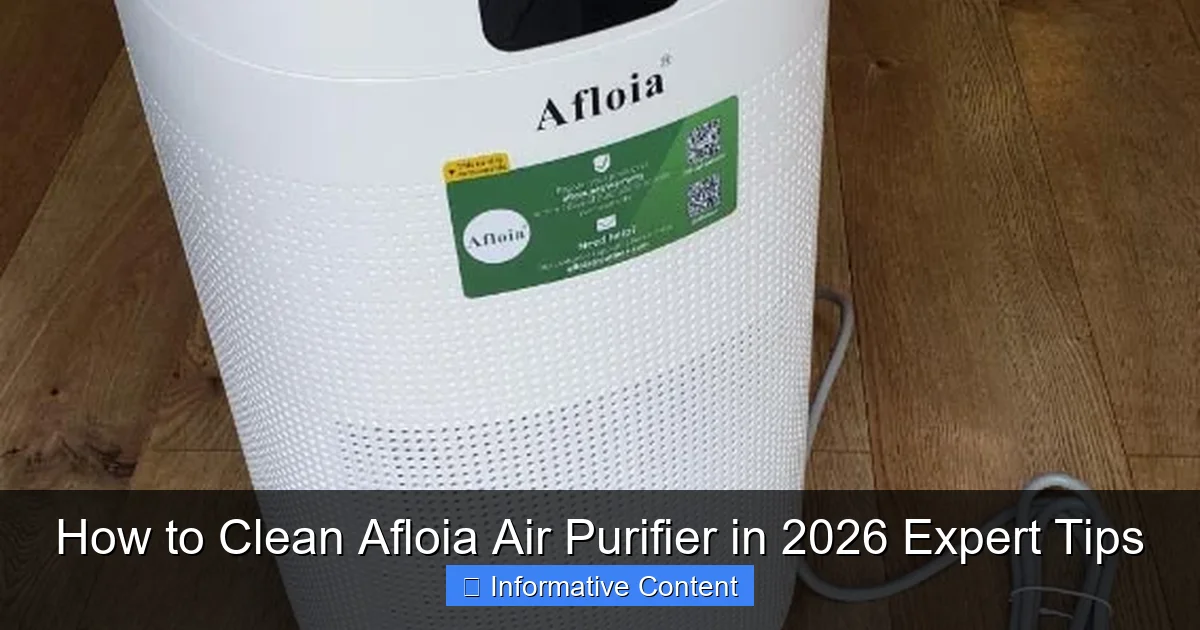
Visual guide about how to clean afloia air purifier
Image source: nerdtechy.com
How Often Should You Clean?
- Pre-filter (outer mesh): Every 2 weeks (or more if you have pets or live in a dusty area).
- HEPA filter: Check every 3–6 months, but replace annually (cleaning is optional—more on this later).
- Carbon filter: Replace every 6–12 months (not cleanable).
- Internal fan and vents: Every 3 months.
- Exterior surfaces: Weekly.
Pro tip: If your purifier has a “filter replacement” indicator (common in newer Afloia models), use it as a guide. But don’t rely solely on it—visible dust or reduced airflow means it’s time to clean, regardless of the light.
The Risks of Neglect
Skipping cleanings isn’t just about performance. Clogged filters force the fan to work harder, increasing wear and tear. This can lead to:
- Higher energy bills.
- Unpleasant smells (think damp socks from mold in filters).
- Shortened purifier lifespan (I once had to replace mine after 2 years due to neglect—lesson learned!).
Step-by-Step Guide: Cleaning Your Afloia Air Purifier
Now, let’s get into the nitty-gritty. I’ll break this down into simple steps, using my Afloia Kilo as an example (most models follow similar principles).
Step 1: Power Off and Unplug
Always start here. I learned this the hard way after accidentally turning on a purifier mid-clean—my hair got sucked into the fan (yes, really). Unplugging also prevents accidental shocks. Pro tip: Tape a note to the outlet to remind you it’s off.
Step 2: Remove and Clean the Pre-Filter
The pre-filter (usually a mesh or foam layer) catches large debris like pet hair and dust bunnies. Here’s how to clean it:
- Locate the pre-filter (check your manual—it’s often behind a front panel).
- Remove it gently. For the Kilo, press the side tabs to release the cover.
- Rinse under lukewarm water. Use a soft brush (like an old toothbrush) for stubborn grime. Never use soap or hot water—this can damage the mesh.
- Pat dry with a lint-free cloth or air-dry completely (1–2 hours).
Example: My cat’s fur clogs my pre-filter weekly. I now clean it every Sunday—it takes 5 minutes and saves me from replacing the HEPA filter prematurely.
Step 3: Vacuum the HEPA and Carbon Filters (Optional)
HEPA filters trap tiny particles but can’t be washed. However, gentle vacuuming with a brush attachment can remove surface dust. For carbon filters, vacuuming helps, but they’re not cleanable—replace them when they smell musty.
- Use a vacuum with low suction to avoid tearing the HEPA filter.
- Vacuum both sides, holding the nozzle 1–2 inches away.
- Inspect for damage (rips, holes). If you see any, replace the filter immediately.
Note: Afloia’s official stance is that HEPA filters aren’t cleanable. Vacuuming is a last resort for extending life—not a substitute for replacement.
Step 4: Clean the Internal Fan and Vents
Grime on the fan blades reduces airflow and can cause noise. Here’s how to tackle it:
- Open the purifier’s back or side panel (varies by model).
- Use a microfiber cloth to wipe dust off the fan housing.
- For fan blades, use a cotton swab dipped in isopropyl alcohol (70%). Gently clean each blade. Avoid dripping liquid inside—wring out the swab first.
- Vacuum vents with a crevice tool.
Tip: I keep a “cleaning caddy” with a microfiber cloth, cotton swabs, and a small vacuum. It makes the process faster and less messy.
Step 5: Wipe Down Exterior Surfaces
Use a damp microfiber cloth (water only) to wipe the body. For stubborn stains, add a drop of mild dish soap. Dry immediately to prevent water damage. Avoid abrasive cleaners—they can scratch the finish.
Model-Specific Tips for Afloia Air Purifiers
Afloia has several popular models, each with quirks. Here’s how to adapt the steps above:
Afloia Kilo Series
- Pre-filter: The magnetic cover is easy to remove but can warp if forced. Handle it gently.
- HEPA filter: The Kilo uses a 3-in-1 filter (HEPA + carbon + pre-filter). Vacuum the pre-filter layer only—don’t touch the HEPA or carbon.
- Fan access: Remove the front panel to clean the fan. Watch for loose wires—they’re easy to disconnect accidentally.
Personal story: I once dropped a Kilo filter while cleaning and cracked the carbon layer. Lesson: Always clean over a towel or soft surface.
Afloia Halo Series
- Pre-filter: The Halo’s pre-filter is washable but thinner than the Kilo’s. Rinse carefully—no brushing.
- Filter replacement: The Halo has a “filter life” display. Reset it after replacing filters (hold the “Reset” button for 5 seconds).
- Smart features: The Halo connects to an app. Clean the sensor (near the vents) with a dry cloth to maintain accuracy.
Afloia Air Purifier for Cars (Mini Models)
- Pre-filter: These tiny purifiers have mesh pre-filters. Use a soft brush—water can warp the frame.
- Filters: Most mini models use disposable filters. Replace every 3 months, especially if you smoke or have pets in the car.
- Vent cleaning: Use a car vacuum with a brush attachment. Avoid liquid cleaners—they can damage electronics.
Common Mistakes to Avoid (and How to Fix Them)
Even seasoned users make these errors. Don’t be like me—learn from my blunders!
Mistake 1: Washing the HEPA Filter
Water ruins HEPA filters by tearing the delicate fibers. If you’ve already washed one:
- Replace it immediately.
- For future reference, vacuum instead. Afloia sells replacement filters on Amazon (search “Afloia [your model] replacement filter”).
Mistake 2: Using Harsh Chemicals
Ammonia, bleach, or strong cleaners can degrade filters and leave toxic residues. Stick to water, isopropyl alcohol, or mild dish soap. Never use aerosol sprays near the purifier.
Mistake 3: Skipping the Fan
A dirty fan strains the motor. If your purifier is loud or overheating:
- Clean the fan as described in Step 4.
- If the noise persists, contact Afloia support—it might need professional servicing.
Mistake 4: Forgetting the Vents
Dust buildup on vents restricts airflow. Use a vacuum crevice tool or a soft brush. For tight spaces, try a pipe cleaner.
Mistake 5: Not Reassembling Correctly
Filters installed backward or loose panels can cause leaks. Always:
- Double-check filter orientation (arrows should point toward the fan).
- Ensure panels click into place.
- Test the purifier for vibrations or unusual sounds.
Data Table: Afloia Air Purifier Maintenance Schedule
| Component | Cleaning Frequency | Cleaning Method | Replacement Frequency |
|---|---|---|---|
| Pre-filter (mesh/foam) | Every 2 weeks | Rinse with water + air-dry | Every 6–12 months (if damaged) |
| HEPA filter | Every 3–6 months (vacuum only) | Vacuum with brush attachment | Every 12 months |
| Carbon filter | Never (not cleanable) | N/A | Every 6–12 months |
| Internal fan | Every 3 months | Wipe with microfiber cloth + cotton swab (alcohol) | Every 3–5 years (if motor fails) |
| Exterior surfaces | Weekly | Damp microfiber cloth | N/A |
| Vents | Every 3 months | Vacuum with crevice tool | N/A |
Final Thoughts: Keeping Your Afloia Purifier in Top Shape
Cleaning your Afloia air purifier might feel like a chore, but it’s one of the easiest ways to protect your investment and your health. Think of it like changing the oil in your car—a small effort that prevents big problems down the road. By following this guide, you’ll enjoy:
- Consistently clean air.
- Lower energy bills (clean filters use less power).
- A purifier that lasts years, not months.
Here’s my final tip: set a reminder. I use my phone’s calendar to schedule cleanings every 2 weeks. It’s automatic, and I never forget. Also, keep your purifier’s manual handy—Afloia’s website has digital copies if you’ve misplaced yours. And remember: if something feels “off” (unusual noises, reduced airflow), don’t ignore it. A quick cleaning might save you from costly repairs.
At the end of the day, your air purifier is only as good as the care you give it. So grab that microfiber cloth, roll up your sleeves, and give your Afloia the TLC it deserves. Your lungs (and your wallet) will thank you!
Frequently Asked Questions
How do I clean my Afloia air purifier safely?
To clean your Afloia air purifier, first unplug the device and remove the filters. Wipe the exterior with a soft, damp cloth and mild detergent, avoiding excess moisture near vents or electrical components.
How often should I clean the Afloia air purifier filters?
For optimal performance, clean the pre-filter every 2–4 weeks and replace HEPA filters every 6–12 months, depending on usage and air quality. Regular cleaning of the Afloia air purifier extends its lifespan and efficiency.
Can I wash the HEPA filter in my Afloia air purifier?
No, the HEPA filter in your Afloia air purifier is not washable. Use a vacuum or soft brush to remove dust, and replace it when visibly dirty or after 6–12 months of use.
What cleaning tools are best for maintaining my Afloia air purifier?
Use a microfiber cloth, soft brush, and vacuum with a brush attachment for the exterior and pre-filter. Avoid harsh chemicals or abrasive tools to protect the Afloia air purifier‘s sensitive components.
Is there a way to deep clean the Afloia air purifier’s internal parts?
Yes, after removing filters, gently vacuum the internal air pathways to remove dust buildup. Never use water or liquid cleaners inside the unit to prevent damage to electronics.
Why does my Afloia air purifier smell after cleaning?
Odors may arise from trapped moisture or dirty filters. Ensure all parts are completely dry before reassembling, and replace old filters if smells persist despite cleaning.