
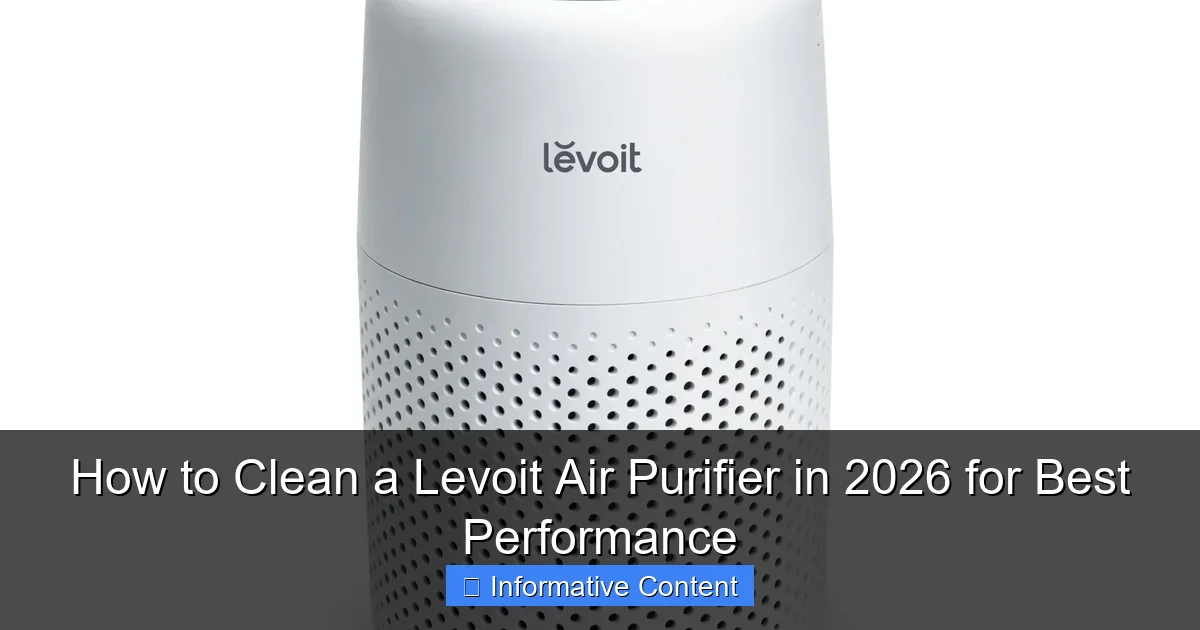
Featured image for how to clean a levoit air purifier
Image source: levoit.com
Regular cleaning is essential to maintain your Levoit air purifier’s peak performance and extend its lifespan. In 2026, the best practice involves gently vacuuming the exterior, washing reusable filters with mild soap, and wiping internal components with a dry cloth—always ensuring the unit is unplugged and completely dry before reassembly. Following the manufacturer’s updated guidelines ensures optimal airflow, efficiency, and cleaner air year-round.
“`html
Key Takeaways
- Unplug the purifier before cleaning to ensure safety.
- Wipe the exterior weekly with a soft, dry cloth.
- Vacuum the pre-filter monthly to remove large debris.
- Replace HEPA filters every 6–12 months for optimal performance.
- Clean the sensor gently with a cotton swab to maintain accuracy.
- Use mild soap for stubborn grime on removable parts.
📑 Table of Contents
- How to Clean a Levoit Air Purifier in 2026 for Best Performance
- Why Cleaning Your Levoit Air Purifier Matters
- Understanding Your Levoit Air Purifier Model
- Step-by-Step Guide to Cleaning Your Levoit Air Purifier
- How Often Should You Clean Your Levoit Air Purifier?
- Troubleshooting Common Cleaning Issues
- Tips for Long-Term Care and Best Practices
- Final Thoughts: Keep Your Levoit Running Like New
How to Clean a Levoit Air Purifier in 2026 for Best Performance
Let’s be real—your Levoit air purifier has been quietly working overtime. Whether it’s filtering out pet dander, smoke, or just the general dust that seems to appear out of nowhere, this little machine has your back. But here’s the thing: even the most reliable gadgets need a little TLC to keep performing at their best. I learned this the hard way last winter when my air purifier started making a weird humming noise and the air in my bedroom didn’t feel as fresh as it used to. After some detective work (and a little panic), I realized the filters were clogged and the unit hadn’t been cleaned in over six months. Oops.
That experience taught me a valuable lesson: regular cleaning isn’t just about hygiene—it’s about performance, longevity, and energy efficiency. In 2026, with air quality concerns on the rise and more of us spending time indoors, keeping your Levoit air purifier in tip-top shape is more important than ever. The good news? Cleaning it isn’t rocket science. With the right steps, tools, and a bit of routine, you can keep your purifier running like new for years. In this guide, I’ll walk you through everything you need to know—from understanding your model to step-by-step cleaning instructions, troubleshooting tips, and how often to do it all. Let’s get started.
Why Cleaning Your Levoit Air Purifier Matters
You might be thinking, “It’s an air purifier—doesn’t it clean itself?” Not exactly. While Levoit units are designed to trap pollutants, they’re not self-cleaning machines. Over time, dust, hair, pollen, and other particles build up on the filters and inside the unit, which can seriously impact how well it works. Think of it like a vacuum cleaner: if the bag is full, it can’t suck up any more dirt. The same principle applies here.
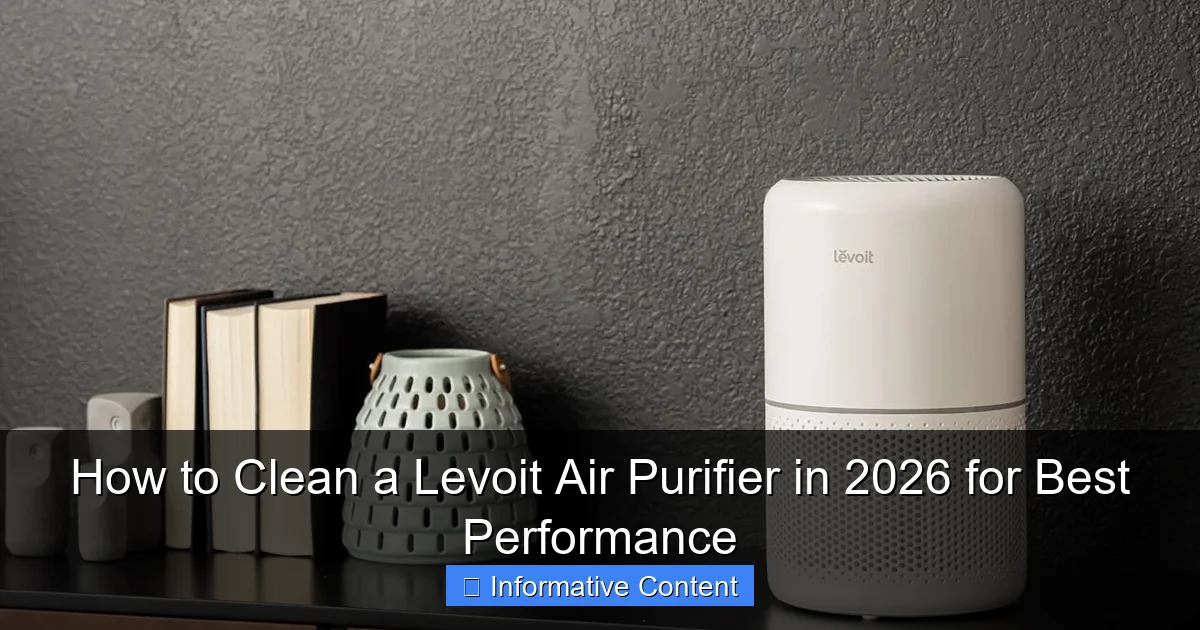
Visual guide about how to clean a levoit air purifier
Image source: purifiersreview.com
Improved Air Quality and Efficiency
A dirty air purifier can’t filter air effectively. When the filters are clogged, the fan has to work harder to pull air through, which reduces airflow and increases energy use. In fact, studies show that a clogged filter can reduce airflow by up to 50%, meaning your room isn’t getting the clean air it needs. Plus, if the pre-filter is packed with debris, larger particles can reach the HEPA filter faster, shortening its lifespan. Regular cleaning ensures your purifier captures allergens, smoke, and odors the way it’s supposed to.
Extending the Life of Your Unit
Levoit air purifiers are built to last, but neglect can cut their lifespan short. Dust buildup inside the motor or on internal components can cause overheating or mechanical stress. I’ve seen units fail prematurely because users only changed the filter but never cleaned the exterior or internal parts. By cleaning your purifier every few months, you’re not just maintaining performance—you’re protecting your investment. A well-maintained unit can easily last 5–7 years, even with daily use.
Preventing Odors and Bacteria Growth
Here’s something many people don’t realize: a dirty air purifier can actually make your air smell worse. When dust and moisture accumulate inside the unit, especially in humid environments, it creates a breeding ground for mold and bacteria. This can lead to musty odors being circulated back into your room. I noticed this in my own home during a rainy spring—my purifier started emitting a faint mildew smell. A deep clean fixed it, but it was a wake-up call. Regular cleaning prevents these issues before they start.
Understanding Your Levoit Air Purifier Model
Before you grab your cleaning supplies, it’s important to know which Levoit model you have. Levoit offers a range of air purifiers—from compact desktop units like the Core Mini to larger models like the Core 300, Core 400S, and the premium V13H. Each has slightly different designs, filter types, and cleaning requirements. Using the wrong method could damage your unit or void the warranty.
Common Levoit Models and Their Features
Here’s a quick breakdown of popular models and what makes them unique:
- Core Mini: Small, portable, great for desks or nightstands. Uses a 3-stage filtration system with a washable pre-filter.
- Core 300: Mid-sized, ideal for rooms up to 219 sq. ft. Features a 360° HEPA filter and a washable pre-filter.
- Core 400S: Smart model with app control, covers up to 403 sq. ft. Includes a washable pre-filter and True HEPA filter.
- V13H: High-performance unit for large spaces (up to 939 sq. ft.). Has a 4-stage filtration system with a washable pre-filter and activated carbon layer.
Most Levoit models share a similar cleaning process, but always check your user manual for model-specific instructions. For example, the V13H has an additional carbon filter that needs special care, while the Core Mini’s compact design requires gentle handling.
Identifying Your Filter Type
Levoit air purifiers typically use a multi-stage filtration system. Here’s what you’ll usually find:
- Pre-filter: Captures large particles like hair and dust. This is usually washable and should be cleaned monthly.
- True HEPA filter: Removes 99.97% of particles as small as 0.3 microns. This is not washable and needs replacement every 6–12 months.
- Activated carbon filter: Absorbs odors, smoke, and VOCs. Often combined with the HEPA filter or sold as a separate layer.
- UV-C light (on select models): Kills bacteria and viruses. Requires occasional cleaning of the bulb or lens.
Knowing your filter types helps you understand what can be cleaned and what needs replacing. For instance, never soak a HEPA filter—it will ruin the delicate fibers. But the pre-filter? That’s fair game for a good rinse.
Step-by-Step Guide to Cleaning Your Levoit Air Purifier
Now for the main event: how to actually clean your Levoit air purifier. I’ll walk you through the process step by step, based on my own experience and Levoit’s official recommendations. The entire process takes about 20–30 minutes, depending on how dirty your unit is. Grab a soft cloth, a vacuum with a brush attachment, mild soap, and a bowl of warm water—let’s get started.
Step 1: Turn Off and Unplug the Unit
Safety first! Always turn off your air purifier and unplug it from the wall before cleaning. This prevents accidental startup and protects you from electrical hazards. I made the mistake of cleaning a plugged-in unit once—let’s just say I won’t do it again. Even if the power is off, unplugging ensures there’s no residual current.
Step 2: Remove the Front Panel and Filters
Most Levoit models have a front panel that snaps off easily. Gently pull it away from the unit—there’s usually a latch or magnetic seal. Once it’s off, you’ll see the filters inside. Carefully remove them in the order they’re stacked. For example, in the Core 300, you’ll have the pre-filter on the outside, then the HEPA filter behind it.
Pro tip: Take a photo of the filter arrangement before removing them. This helps you remember how to put them back correctly. I’ve had moments of “Wait, which filter goes where?” and a quick snapshot saves the day.
Step 3: Clean the Washable Pre-Filter
The pre-filter is your first line of defense, so it gets the dirtiest. If it’s washable (most are), rinse it under lukewarm water. Use a soft brush or your fingers to gently remove dust and hair. Avoid hot water—it can warp the material. If it’s really grimy, soak it in a bowl of warm water with a drop of mild dish soap for 10–15 minutes, then rinse thoroughly.
After washing, let the pre-filter air dry completely—this is crucial. Never reinstall a damp filter, as moisture can promote mold growth. I usually leave mine on a clean towel overnight. If you’re in a hurry, pat it dry with a lint-free cloth and let it sit for a few hours.
Step 4: Vacuum the Interior and Fan Blades
While the pre-filter dries, use a vacuum with a brush attachment to clean the inside of the unit. Focus on the fan blades, air intake vents, and any visible dust buildup. Be gentle—fan blades are delicate and can bend if you press too hard. I use short, light strokes to avoid damage.
If you don’t have a vacuum, a can of compressed air works too. Just make sure to hold the can upright and spray in short bursts. Avoid blowing dust deeper into the unit. For tight spaces, a soft-bristled toothbrush can help dislodge stubborn grime.
Step 5: Wipe Down the Exterior and Control Panel
Use a microfiber cloth slightly dampened with water to wipe the outside of the purifier. Avoid harsh chemicals or abrasive cleaners—they can scratch the plastic or damage the finish. For the control panel, use a dry cloth or one with just a hint of moisture. Never spray liquid directly onto the unit.
I like to use a cotton swab dipped in rubbing alcohol to clean around buttons and sensors. It evaporates quickly and removes fingerprints without leaving residue. Just be careful not to get liquid into the vents.
Step 6: Reassemble and Test
Once everything is dry, reinsert the filters in the correct order and snap the front panel back on. Plug the unit back in and turn it on. Listen for unusual noises—if it sounds off, double-check that all parts are securely in place. Run it on low for 10–15 minutes to ensure proper airflow.
Bonus tip: Reset the filter indicator light if your model has one. Most Levoit purifiers have a reset button or a procedure in the app (for smart models). This ensures you get accurate reminders for future maintenance.
How Often Should You Clean Your Levoit Air Purifier?
Cleaning frequency depends on several factors: how often you use the purifier, your environment, and whether you have pets or allergies. There’s no one-size-fits-all answer, but here’s a general guideline based on real-world use.
Monthly Maintenance
At a minimum, clean the washable pre-filter every month. This is non-negotiable if you want to protect your HEPA filter and maintain airflow. If you have pets that shed or live in a dusty area (like near a construction site), you may need to clean it every 2–3 weeks.
I set a monthly reminder on my phone—“Levoit Clean Day”—so I never forget. It’s become part of my home maintenance routine, like changing the AC filter or cleaning the fridge coils.
Quarterly Deep Cleaning
Every 3 months, do a full cleaning: remove all filters, vacuum the interior, wipe down the exterior, and check for any signs of wear. This is also a good time to inspect the fan and motor area for dust buildup. If you notice reduced airflow or strange noises, a deep clean might be overdue.
Filter Replacement Schedule
While cleaning is important, remember that HEPA and carbon filters can’t be washed—they need replacement. Most Levoit filters last 6–12 months, depending on usage. The filter indicator light will usually alert you when it’s time. But don’t rely solely on the light—check the filter visually. If it’s dark gray or black, it’s time for a new one.
Here’s a quick reference table for maintenance frequency:
| Component | Cleaning Frequency | Notes |
|---|---|---|
| Washable Pre-Filter | Every 1–4 weeks | More often if you have pets or allergies |
| HEPA Filter | Replace every 6–12 months | Not washable; check for discoloration |
| Carbon Filter | Replace every 6–12 months | Odor absorption decreases over time |
| Exterior & Interior | Every 3 months | Vacuum and wipe down |
| UV-C Light (if applicable) | Every 6 months | Clean lens with soft cloth |
Troubleshooting Common Cleaning Issues
Even with the best care, things can go wrong. Here are some common problems I’ve encountered—and how to fix them.
Water Damage or Moisture Inside the Unit
If you accidentally get water inside the purifier (maybe from over-wetting the pre-filter), unplug it immediately and let it dry for at least 24–48 hours in a well-ventilated area. Do not turn it on until you’re sure it’s completely dry. Moisture can damage the motor or electronics.
I once left a damp pre-filter in overnight and woke up to a musty smell. A day of airing out fixed it, but it was a close call. Always double-check dryness before reassembly.
Filter Doesn’t Fit After Cleaning
If the pre-filter seems warped or doesn’t snap back in place, it may have shrunk or bent during drying. Lay it flat under a heavy book for a few hours to reshape it. Avoid using heat to speed up drying—it can damage the material.
Reduced Airflow After Cleaning
If your purifier isn’t pulling air as well as before, check that the filters are installed correctly and the fan isn’t obstructed. Also, make sure the pre-filter isn’t clogged with lint or hair. Sometimes, tiny fibers can get trapped even after rinsing.
Unusual Noises
Rattling, grinding, or squeaking sounds after cleaning usually mean something is loose or misaligned. Turn off the unit, unplug it, and recheck all components. Ensure the fan blades aren’t touching the housing and that the filters are seated properly.
Tips for Long-Term Care and Best Practices
Cleaning your Levoit air purifier is just one part of the equation. To get the most out of your unit, follow these long-term care tips.
Use Genuine Levoit Filters
Third-party filters may be cheaper, but they often don’t fit perfectly or meet the same performance standards. I tried a generic HEPA filter once to save money—it didn’t seal properly, and dust leaked around the edges. Stick with Levoit’s official filters for the best results.
Keep the Area Around the Purifier Clear
Don’t place your air purifier in a corner or behind furniture. It needs at least 6–12 inches of clearance on all sides for proper airflow. I learned this when I moved my Core 300 next to a bookshelf—airflow dropped significantly until I repositioned it.
Run It Regularly
Even if you’re not home, run your purifier on low for a few hours a day. This keeps the internal components moving and prevents dust from settling. Plus, it helps maintain air quality when you return.
Monitor Air Quality
If you have a smart model like the Core 400S, use the app to track air quality trends. This helps you understand when your purifier is working hardest and when it might need extra cleaning.
Final Thoughts: Keep Your Levoit Running Like New
Cleaning your Levoit air purifier might not be the most exciting chore, but it’s one of the most important. A well-maintained unit doesn’t just clean your air—it saves energy, lasts longer, and gives you peace of mind. In 2026, with rising pollution levels and more time spent indoors, that’s more valuable than ever.
Think of it this way: your air purifier is like a silent guardian for your home’s air quality. Treat it well, and it’ll keep protecting you day after day. Follow the steps in this guide, stick to a cleaning schedule, and don’t skip the small details. Your lungs—and your purifier—will thank you.
“`
Frequently Asked Questions
How often should I clean my Levoit air purifier for optimal performance?
To maintain peak efficiency, clean your Levoit air purifier every 2–4 weeks, depending on usage and air quality. Regular cleaning prevents dust buildup and ensures the filters work effectively. Refer to your model’s manual for specific guidelines.
Can I wash the pre-filter on my Levoit air purifier?
Yes, the pre-filter is washable—simply remove it, rinse under lukewarm water, and let it air dry completely before reinserting. Avoid using harsh cleaners, as they can damage the filter material and reduce its lifespan.
How do I clean the inside of my Levoit air purifier without damaging it?
Use a soft, dry microfiber cloth to wipe the interior surfaces and fan blades gently. For stubborn dust, lightly dampen the cloth with water—never spray liquid directly into the unit to avoid electrical damage.
Is it safe to clean the HEPA filter in my Levoit air purifier?
No, the HEPA filter is not washable and should never be exposed to water. Instead, vacuum it gently with a brush attachment every 2–3 months to remove surface debris, and replace it every 6–12 months.
What’s the best way to clean a Levoit air purifier’s exterior?
Wipe the exterior with a slightly damp microfiber cloth and mild soap if needed. Dry immediately with a clean cloth to prevent moisture from seeping into vents or controls.
How do I reset the filter indicator light after cleaning my Levoit air purifier?
After cleaning or replacing filters, press and hold the filter reset button (usually for 3–5 seconds) until the indicator light turns off. This ensures your purifier accurately tracks the next maintenance cycle.