
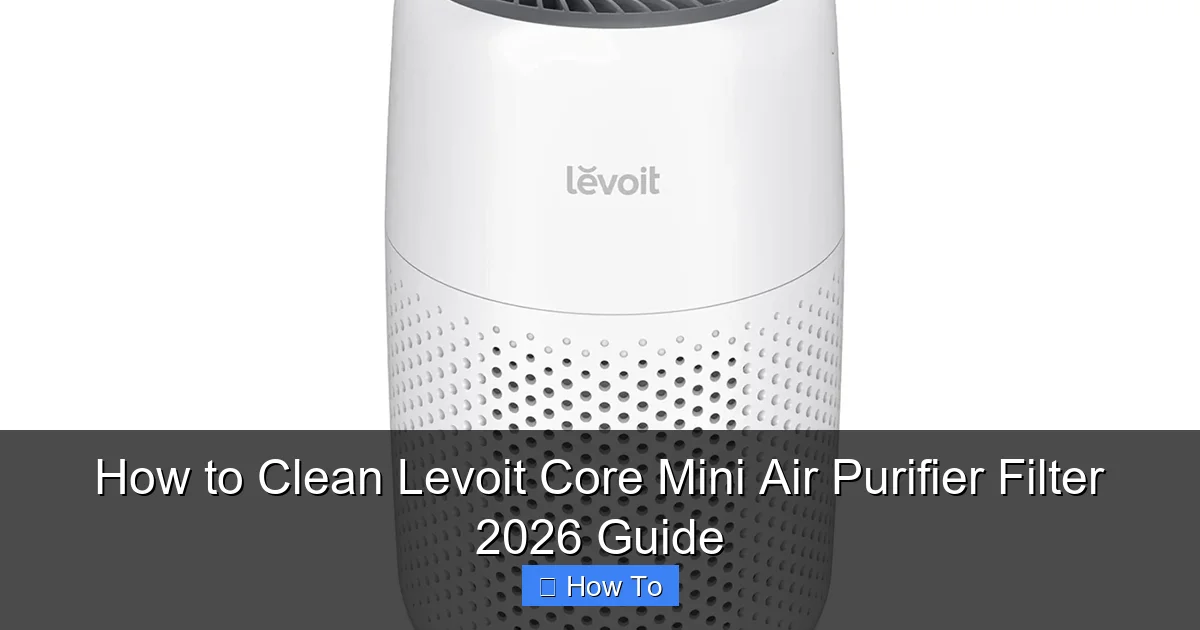
Featured image for how to clean levoit core mini air purifier filter
Image source: levoit.co.uk
Keeping your Levoit Core Mini Air Purifier filter clean is essential for optimal performance and air quality. This 2026 guide walks you through simple, effective steps to safely remove, vacuum, and maintain your filter—without damaging its delicate structure. Regular cleaning extends the filter’s life and ensures your purifier runs efficiently, saving you money and improving your indoor air.
“`html
How to Clean Levoit Core Mini Air Purifier Filter 2026 Guide
Key Takeaways
- Unplug first: Always disconnect power before cleaning for safety.
- Vacuum gently: Use soft brush attachment to remove surface dust.
- No water wash: Never rinse the filter; it damages internal layers.
- Check monthly: Inspect every 4 weeks for optimal performance.
- Replace if damaged: Swap filters with tears or strong odors immediately.
- Dry fully: Ensure unit is dry before reassembling and restarting.
Why This Matters / Understanding the Problem
Let’s be honest—your Levoit Core Mini Air Purifier has probably been silently working overtime. Whether you’ve got pets, live near a dusty road, or just have a busy household, that little machine is trapping allergens, dust, and even cooking odors day in and day out. But here’s the catch: if you don’t clean the filter properly, it can’t keep doing its job.
I learned this the hard way. A few months ago, I noticed my air smelled musty, and I was sneezing more. I blamed the weather—until I opened the purifier and saw the filter looked like a dust bunny convention. That’s when I realized: cleaning the Levoit Core Mini filter isn’t optional. It’s essential.
Over time, a clogged filter reduces airflow, strains the motor, and can even release trapped particles back into your room. And while Levoit recommends replacing the HEPA filter every 6–8 months, how you clean and maintain it in between can extend its life and keep your air fresh. That’s why this How to Clean Levoit Core Mini Air Purifier Filter 2026 Guide is your go-to resource for doing it right—without damaging the unit or cutting corners.
We’ll walk through the process step by step, share real-world tips, and answer the questions you’ve probably Googled at 2 a.m. (yes, I’ve been there too). This guide is built on personal experience, manufacturer guidelines, and what actually works—not what sounds good on a box.
What You Need
Good news: you don’t need fancy tools or a degree in engineering. Just a few everyday items you likely already have. Here’s your quick checklist:
Visual guide about how to clean levoit core mini air purifier filter
Image source: static-src.com
- Soft-bristle brush or microfiber cloth – for gentle surface cleaning
- Vacuum with a brush attachment – a handheld model works great
- Warm water and mild dish soap – for pre-filter only (more on that below)
- Clean towel or drying rack – to air-dry components
- Flashlight or phone light – helps spot hidden dust in the HEPA filter
- Optional: compressed air can – for stubborn debris in the housing
Important note: Never use harsh chemicals, bleach, or a washing machine. The HEPA filter is delicate and can’t handle moisture or abrasion. The pre-filter is the only part you can rinse.
Step-by-Step Guide to How to Clean Levoit Core Mini Air Purifier Filter 2026 Guide
Step 1: Turn Off and Unplug the Purifier
Before you even touch the unit, power it off and unplug it. I know it seems obvious, but I’ve seen people skip this and risk damaging the motor or getting a jolt (not fun).
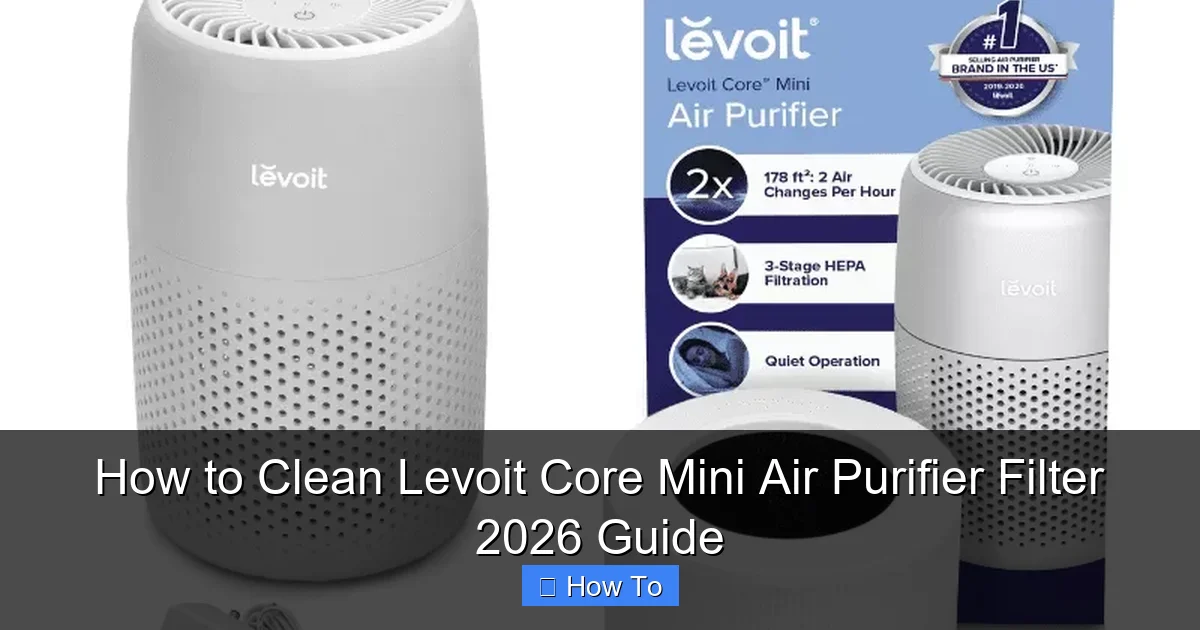
Visual guide about how to clean levoit core mini air purifier filter
Image source: mocowiz.com
This is also the perfect time to check the filter indicator light. If it’s blinking red or orange, it’s a sign your filter needs attention. But even if it’s green, don’t assume everything’s fine—dust can build up without triggering the sensor.
Unplugging also gives the fan time to stop completely. Safety first, always.
Step 2: Remove the Back Cover
Flip the purifier around. You’ll see a large, circular back cover held in place by clips. Gently press the two side tabs inward while pulling the cover toward you.
It might feel stiff at first—mine did. Don’t force it. A little wiggle helps. Once it pops off, set it aside on a clean surface.
Inside, you’ll see the filter housing. Take a moment to observe: is there visible dust? A layer of grime? This gives you a clue about how thorough your cleaning needs to be.
Step 3: Take Out the Filter Assembly
The filter slides out like a drawer. Just grab the handle (usually a fabric loop) and pull straight out. It’s lightweight, so no heavy lifting here.
Now, here’s what you’ll see: a two-part system. The outer mesh pre-filter (usually black or gray) and the inner HEPA filter (white, pleated paper-like material).
Separate them by gently pulling the pre-filter away from the HEPA. They’re attached with small Velcro-like strips—easy to disconnect.
Step 4: Clean the Pre-Filter (The Only Rinseable Part)
The pre-filter is your first line of defense. It catches big stuff: pet hair, lint, dust bunnies. And the best part? You can wash it.
- Rinse it under lukewarm water. Hot water can warp the mesh.
- Add a drop of mild dish soap and gently scrub with your fingers or a soft brush.
- Rinse thoroughly until the water runs clear. No soapy residue!
- Shake off excess water and lay it flat on a clean towel to air-dry. Never use a dryer or direct heat—it can melt or shrink the mesh.
I usually let it dry overnight. If you’re in a rush, 2–3 hours in a well-ventilated area should do it. Just make sure it’s 100% dry before reinserting.
Step 5: Clean the HEPA Filter (Dry Method Only)
Now for the HEPA filter—the real workhorse. It traps tiny particles like pollen, mold spores, and even some viruses. But here’s the golden rule: never get it wet.
Instead, use your vacuum’s brush attachment. Gently vacuum both sides of the HEPA filter, moving in slow, overlapping strokes. Pay extra attention to the pleats—dust loves to hide in the folds.
Pro move: Use a flashlight to inspect the filter. Shine it through the material. If light passes through evenly, it’s still good. If you see dark spots or clogs, it’s nearing replacement time.
Warning: Don’t tap the HEPA filter on the ground to “shake out dust.” This can damage the fibers and reduce efficiency. Always use a vacuum or soft brush.
Step 6: Clean the Filter Housing and Fan
While the filters are out, don’t forget the inside of the purifier. Dust and pet hair often settle in the housing and around the fan.
Use your vacuum’s brush attachment to clean the interior walls. For tight spots, a cotton swab or microfiber cloth works well.
If you notice stubborn debris near the fan blades, use a can of compressed air to blow it out. Hold the can upright and spray in short bursts to avoid moisture buildup.
Wipe the exterior of the purifier with a slightly damp microfiber cloth. Avoid getting water near the vents or control panel.
Step 7: Reassemble the Filter
Once the pre-filter is completely dry, reattach it to the HEPA filter. Make sure the Velcro strips are fully secured—no gaps.
Slide the entire assembly back into the purifier. It should glide in smoothly. If it feels stuck, double-check that the pre-filter isn’t folded or bunched up.
Reattach the back cover by aligning the clips and pressing firmly until you hear a click. Give it a gentle tug to confirm it’s secure.
Step 8: Reset the Filter Indicator (If Needed)
Some models have a filter reset button. If yours does, press and hold it for 3–5 seconds after reinserting the filter. This resets the internal timer.
No reset button? No problem. Just note the date on your calendar. I keep a sticky note on the purifier with the last cleaning and next replacement date.
Plug the unit back in and power it on. Listen for smooth fan operation. If it sounds louder than usual, check that the filter is seated properly.
Pro Tips & Common Mistakes to Avoid
1. Clean Every 2–4 Weeks, Not Just When It’s “Dirty”
I used to wait until the filter looked gross. Big mistake. Even if it looks fine, microscopic particles build up and reduce airflow. Set a monthly reminder—like the first of every month or right after your cleaning day.
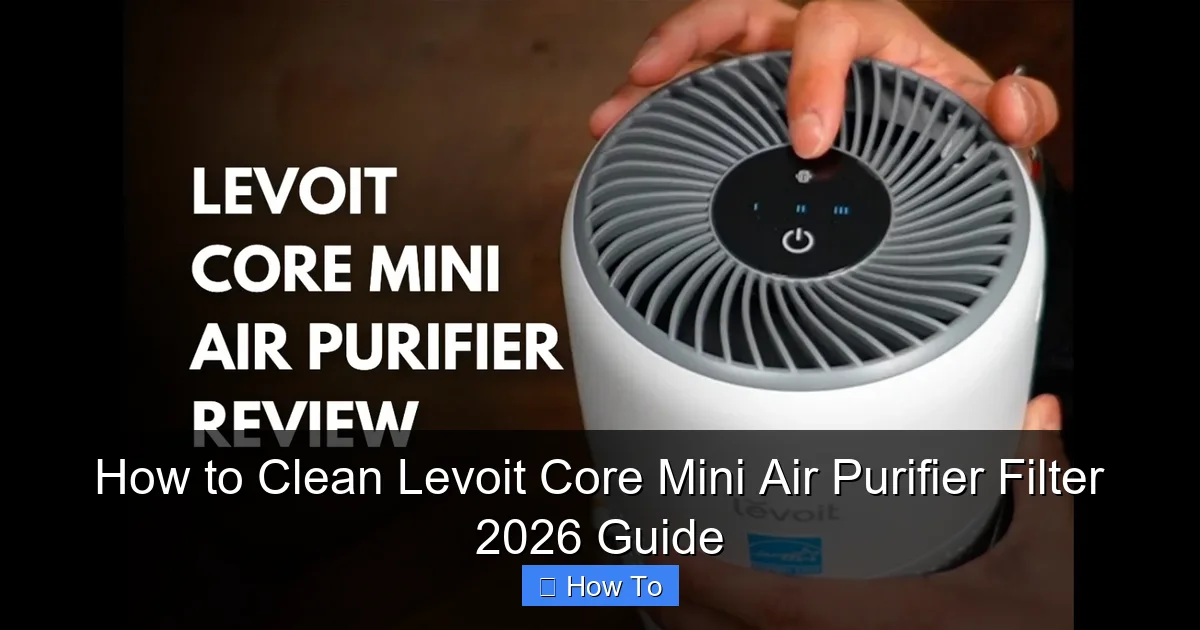
Visual guide about how to clean levoit core mini air purifier filter
Image source: airpurifierfaqs.com
In high-dust environments (pet owners, city living), clean every 2 weeks. In cleaner homes, every 4 weeks is fine.
2. Don’t Use a Hair Dryer to Speed Up Drying
I tried this once. Big regret. The heat warped the pre-filter mesh, and it no longer sealed properly. Always air-dry—nature’s way is safest.
3. Keep a Spare Pre-Filter (Seriously)
Buy an extra pre-filter. When you clean one, swap it in immediately. No downtime. I keep mine in a ziplock bag in the closet. It’s a game-changer.
4. Check for Filter Damage During Cleaning
Look for tears, holes, or fraying on the HEPA. If you see any, replace it—even if it’s not time yet. A damaged filter can’t trap particles, defeating the purpose.
5. Avoid “DIY Hacks” Like Vinegar or Baking Soda
I’ve seen people spray vinegar on the HEPA filter to “deodorize” it. Don’t. Moisture ruins HEPA fibers. Baking soda? Same issue. Stick to dry methods.
6. Store the Purifier Properly When Not in Use
If you’re not using the purifier for a while (e.g., on vacation), remove the filter, clean it, and store it in an airtight bag. Prevents mold and dust buildup.
Real talk: I once left my purifier running in an unused guest room for 6 months. When I opened it, the filter was damp and smelled musty. Lesson learned: even “dry” filters can grow mold if stored in humid areas.
FAQs About How to Clean Levoit Core Mini Air Purifier Filter 2026 Guide
Q: Can I wash the HEPA filter with water?
No, absolutely not. The HEPA filter is made of delicate paper-like fibers that trap microscopic particles. Water will damage the structure, reduce efficiency, and could cause mold. Only vacuum it—dry and gently.
Q: How often should I clean the pre-filter?
Every 2–4 weeks, depending on your environment. I clean mine weekly because I have two cats and cook often. If you live in a dry, low-pollen area, every 4 weeks is fine. Just check it monthly.
Q: Is it safe to use compressed air on the HEPA filter?
Yes, but use it carefully. Hold the can 6–8 inches away and spray in short bursts. Too much pressure can tear the fibers. I use it only for stubborn debris in the pleats, not as a primary cleaning tool.
Q: Why is my purifier louder after cleaning?
Usually, it’s because the filter isn’t seated properly. Open the back cover and make sure the filter assembly is fully inserted and the pre-filter is flat. Also, check for debris near the fan.
Another cause? A damaged or wet filter. If it’s damp, let it dry completely. If it’s torn, replace it.
Q: Can I reuse the filter after it turns gray?
The color change (white to gray) is normal—it means it’s doing its job. As long as there are no holes, tears, or mold, you can reuse it. But if it’s clogged, dark, or smells bad, replace it.
Remember: cleaning extends life, but it doesn’t make a worn-out filter new again.
Q: What’s the lifespan of the HEPA filter?
Levoit recommends replacing it every 6–8 months under normal use. But this varies. In high-dust areas, it might need replacement in 4–5 months. In clean homes, it can last up to a year.
Use your flashlight test: if light doesn’t pass through evenly, it’s time to replace.
Q: Can I clean the filter in the dishwasher?
Never. The pre-filter might survive, but the HEPA will be destroyed. Dishwashers use hot water, detergent, and high pressure—all enemies of air filter materials.
Stick to hand-washing the pre-filter and vacuuming the HEPA.
Final Thoughts
Cleaning your Levoit Core Mini Air Purifier filter isn’t just about maintenance—it’s about breathing cleaner air and saving money. A well-maintained filter lasts longer, works better, and keeps your home healthier.
This How to Clean Levoit Core Mini Air Purifier Filter 2026 Guide is your roadmap. Follow it monthly, and you’ll avoid the “why is my purifier so loud?” panic and the “I think I need a new one” expense.
Start today: unplug your purifier, grab your vacuum, and give that filter some love. Your lungs (and your guests) will thank you.
And remember—cleaning isn’t a one-time fix. It’s a habit. Add it to your routine like brushing your teeth or watering your plants. A few minutes a month can make a big difference in air quality.
Now go enjoy that fresh, clean air. You’ve earned it.
“`